How to choose a sign style that matches your shop’s interior
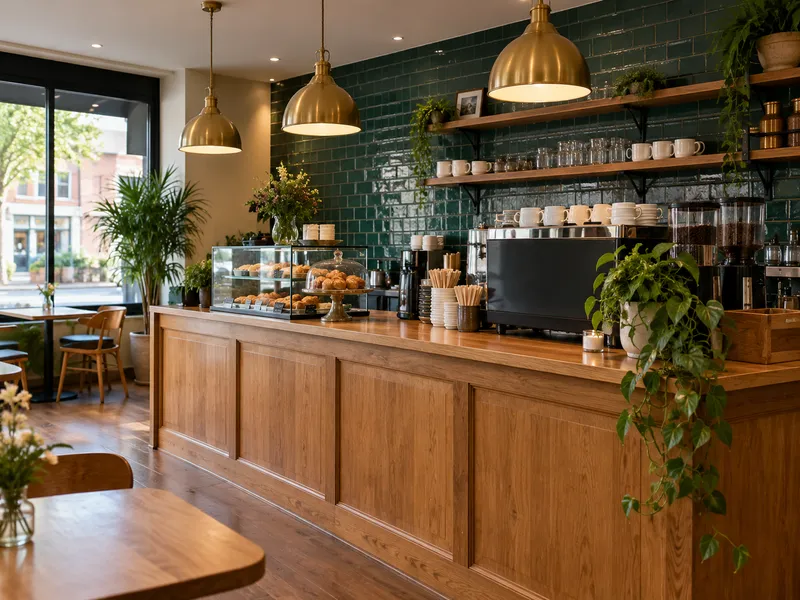
Your counter, your lamps and your tiles already say what kind of place it is. Auto style reads a photo of your interior, or any reference photo whose look you like, and proposes a sign style to match. Accept it, adjust it, then see it on your storefront.
Updated

What you need
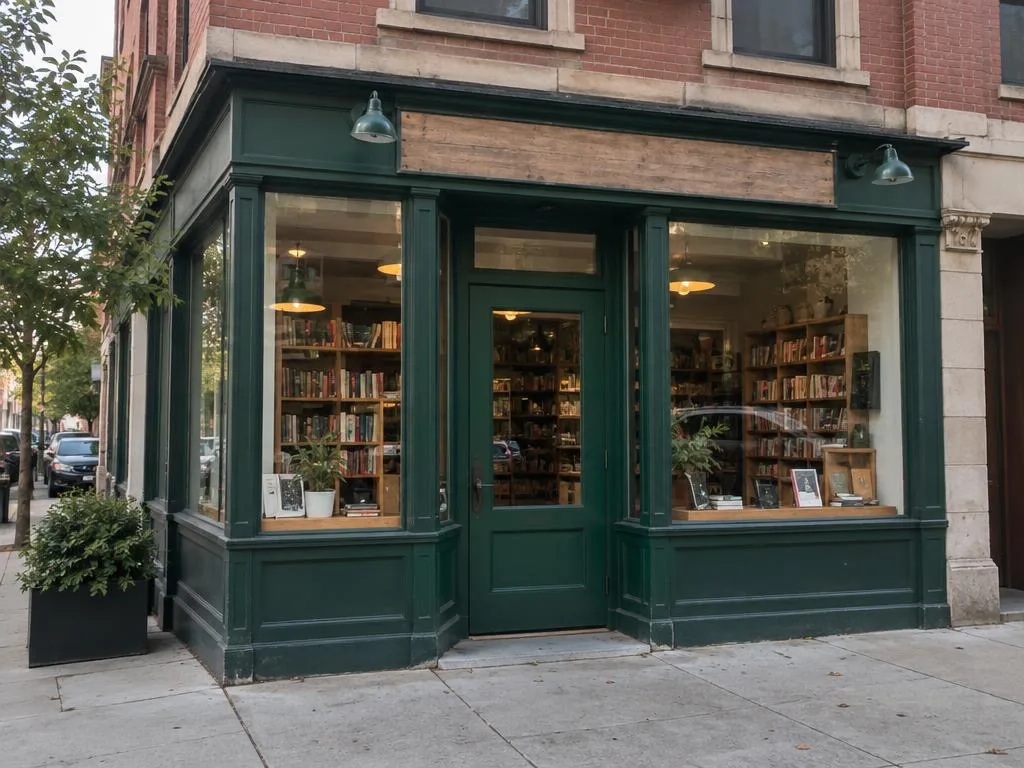
- A daylight photo of your storefront, as straight-on as you can (how to take it).
- A reference photo: your shop inside, or any photo whose look you want the sign to follow. A clear, well-lit photo of the main materials works best.
Before your free picture, trying auto style is free, up to a limit. After it, a new auto style needs a plan.
Step by step
Start from the sign details
Choose your storefront photo and type the business name. Under Sign style, tap Read a reference photo on the Auto style card.
Choose the reference photo
Pick a photo of your interior, then tap Read this photo. The reference photo is converted in your browser like the storefront photo.
Read the proposal
Auto style reads the look, usually in under a minute, and proposes a material, a colour, a typeface, a letter material and how the letters sit, with one line that sums up the look.
Accept it, or adjust it
Tap Accept to use it as it is, or Adjust to change any of the five choices by hand. Back on the sign details, the Auto style card shows what you accepted.
Pick the placement and mount it
Choose where the sign goes, then tap Mount the sign. The picture uses the accepted style on your storefront photo.
Check the match
Compare the picture with your photo, and with the interior in your head: does the sign feel like the same shop? A wood or brass sign reads warm from across the street; a painted aluminium one reads crisp.
Set the materials yourself
If you already know what you want, skip the reference photo: tap Set the materials and pick a material, a colour, a typeface, a letter material and how the letters sit. You can also start from a proposal and change one thing, like the colour.
Tips
- Photograph the part of the room people notice first: the counter, the shelves, the bar.
- If no style comes back, try a brighter photo or a closer one, or pick a preset.
- A brand photo or a mood picture works as a reference too; it doesn’t have to be your own room.
- Once you have a daylight picture you like, see it lit at night.
Try it on your storefront
Your first daylight picture is free, with no sign-up: one photo, one style.
Start with a photo