How to see a new sign on your storefront before you order it
A quote, a flat drawing or a stock mockup doesn’t show your building. Here is how to see your business name, in the sign style you’re weighing, on a photo of your own storefront, and take that picture to your sign maker.
Updated
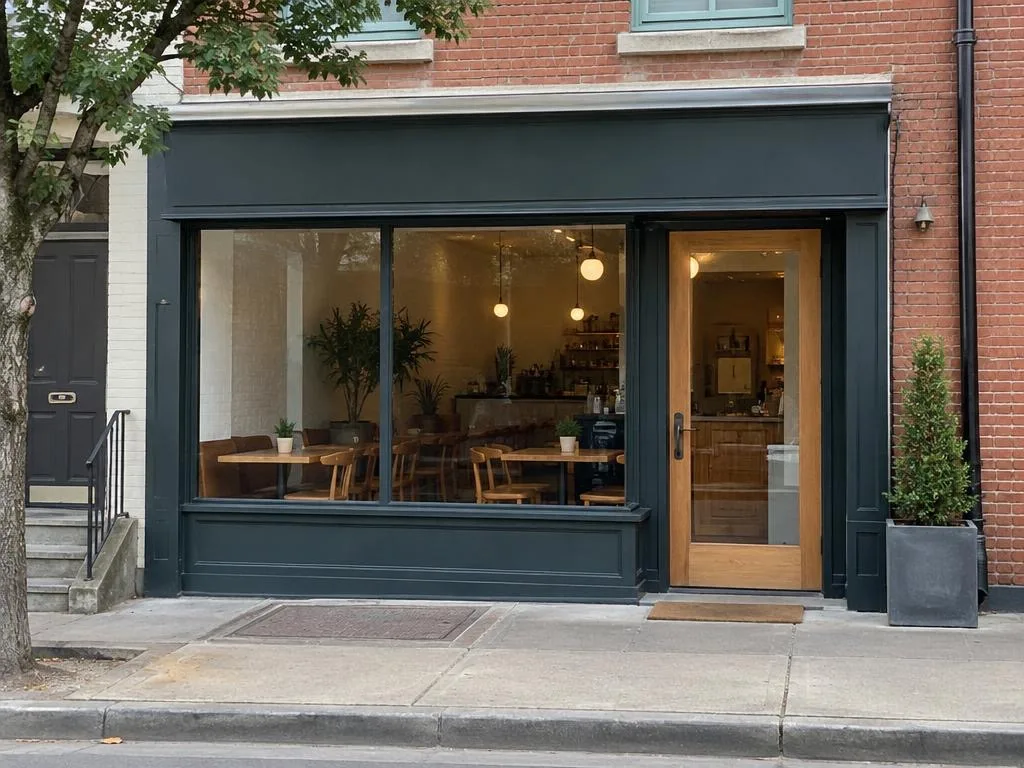
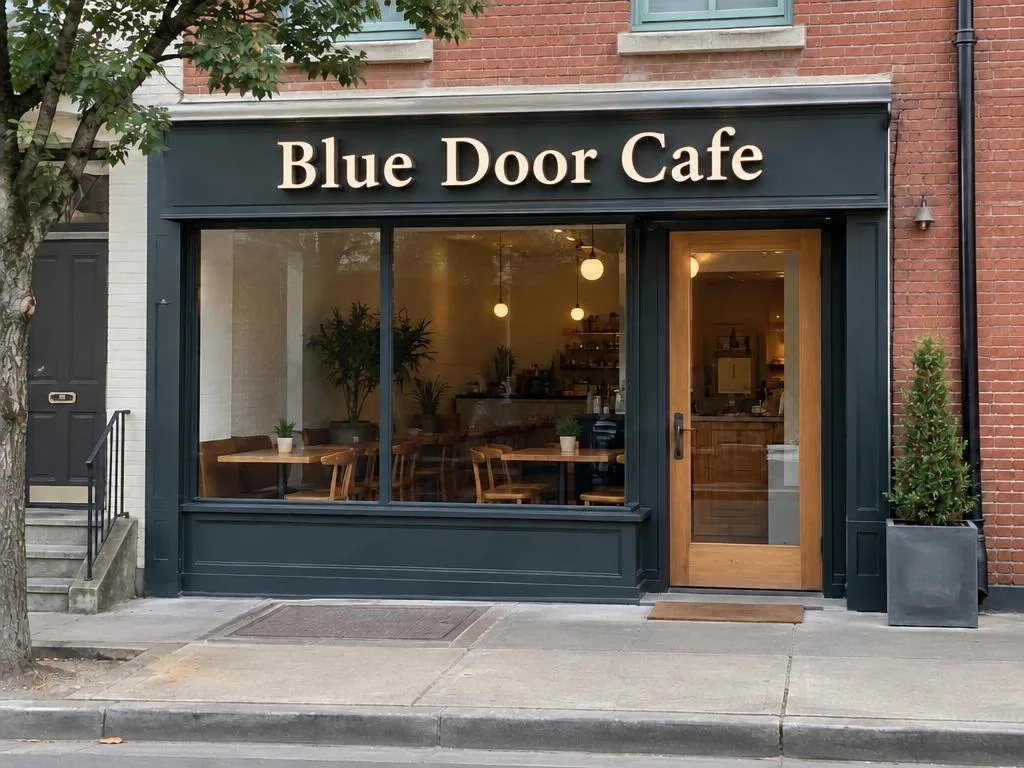
What you need
One photo of the front of your shop. It works best when:
- It is taken in daylight. A night view comes later, from the daylight picture.
- You stand across the street and face the shop as straight-on as you can. A steep angle can fail.
- The whole front is in the frame: the fascia, the windows and the door.
A photo you already have works too: HEIC, JPEG, PNG or WebP. Your first daylight picture is free, with no sign-up; further pictures need a plan (see pricing).
Step by step
Choose your storefront photo
On the home page, tap Choose a photo, or drop the photo on the page. On a phone you can take it there and then.
Daylight, straight-on, the whole front in frame. Agree to send it
The first time, a notice tells you which companies run the image and vision models your photo is sent to. Tap Agree and send to go on; Not now sends nothing.
Let it upload
Your browser removes the location and camera details from the file and scales it to the size the image model takes, then sends it.
Type the business name
Type the name exactly as it should read on the sign, and a tagline if you want one. These are the words drawn on the sign, as you type them.
Pick a sign style
Pick one of the five presets: channel letters, carved wood, neon, acrylic lightbox or window vinyl. Not sure? Each has its own page under Sign styles.
You can also set the materials yourself, or let auto style read a photo. Choose where it goes and mount it
Pick Fascia, Window, Awning or Wall. The fascia is the band above the windows and the door. Then tap Mount the sign.
Wait for the picture
It can take up to two minutes. You can leave the page: the picture keeps going and lands in your library.
Check the picture
The picture opens next to your photo. Drag the line to compare, or press and hold to see your photo. Look at the height of the letters against the fascia, whether the name reads from the street, and the colours against your wall.
Take it to your sign maker
Tap Download or share. You get one JPEG with a file name that says it is a preview, like blue-door-cafe-sign-preview.jpg, and no location or camera details. Send it or show it: this is the sign I want.
The picture is a preview, not a shop drawing and not to scale. Sizes, materials, permits and fabrication are your sign maker’s job.
Try another style
To weigh two styles, open the picture and tap Edit the sign: change the style, the words or the placement on the same photo. After your free picture, each new version needs a plan.
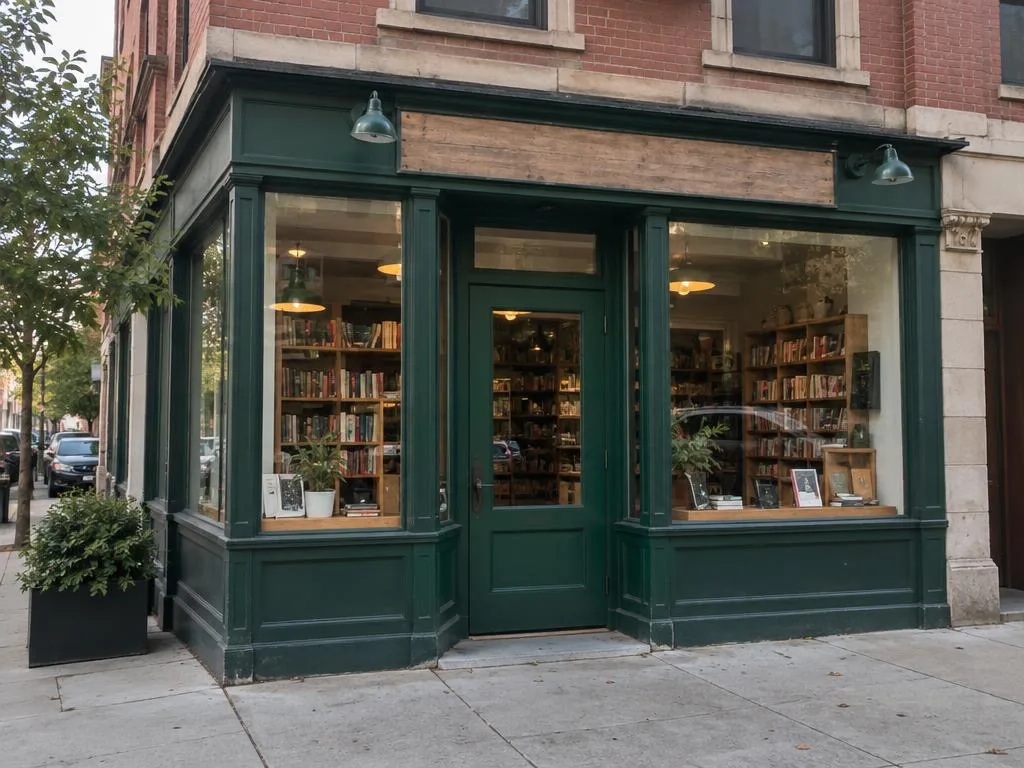
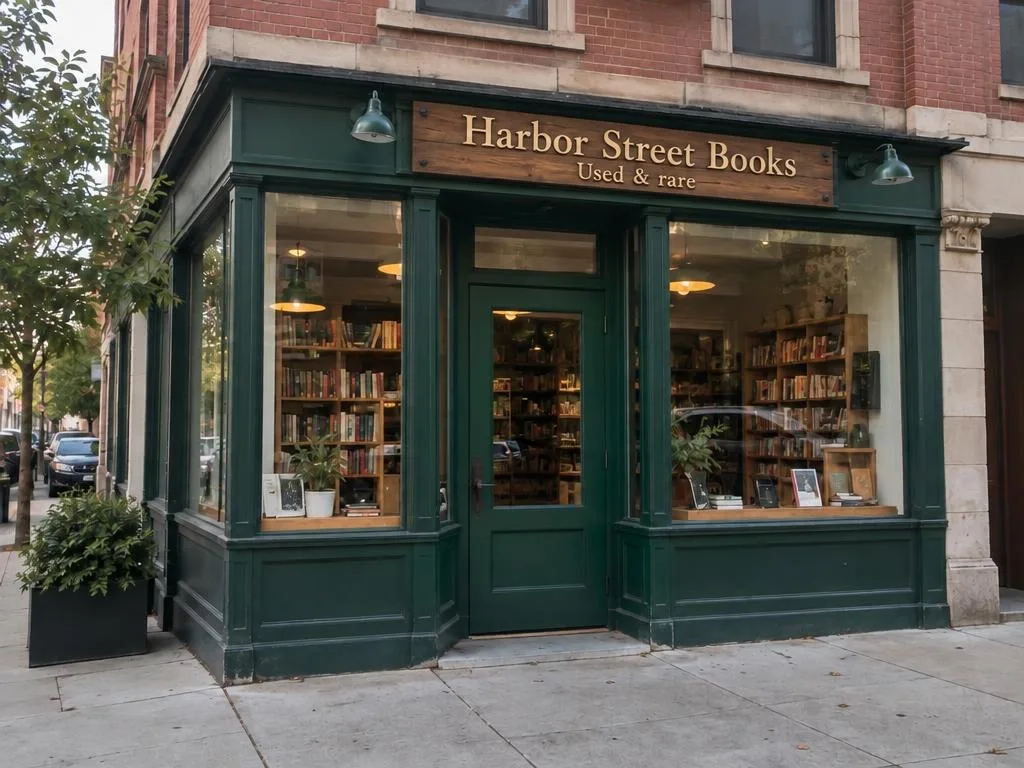
Want a style that matches your shop inside? Let auto style read a photo of your interior.
Try it on your storefront
Your first daylight picture is free, with no sign-up: one photo, one style.
Start with a photo