How to see what your lit sign looks like at night
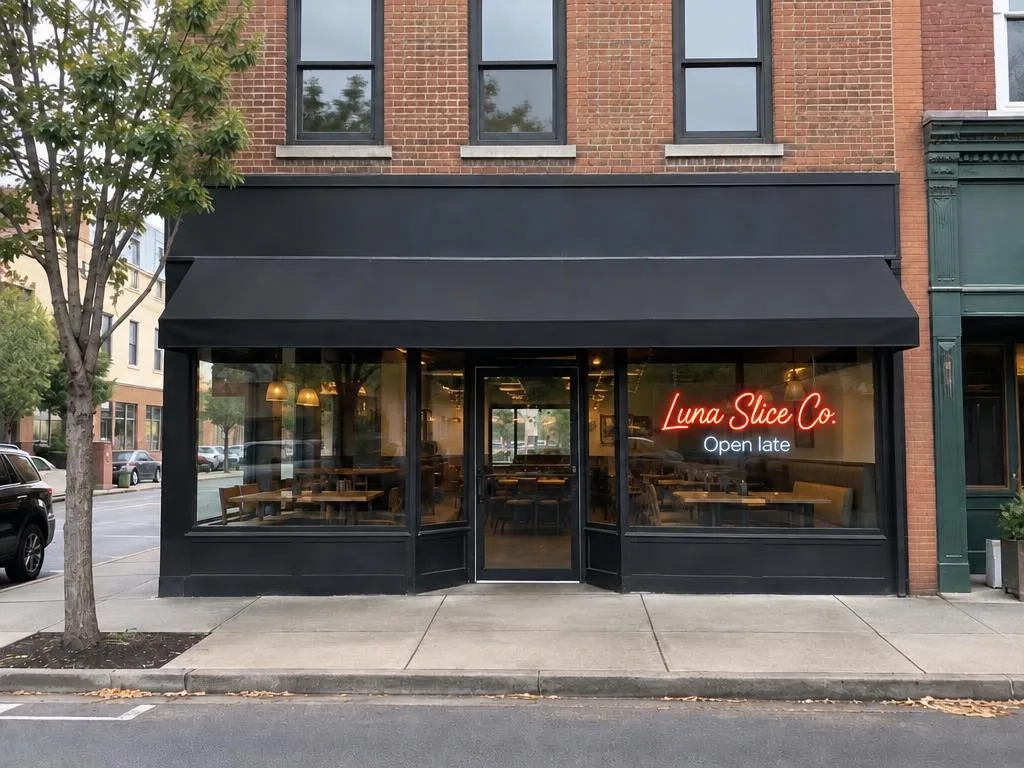
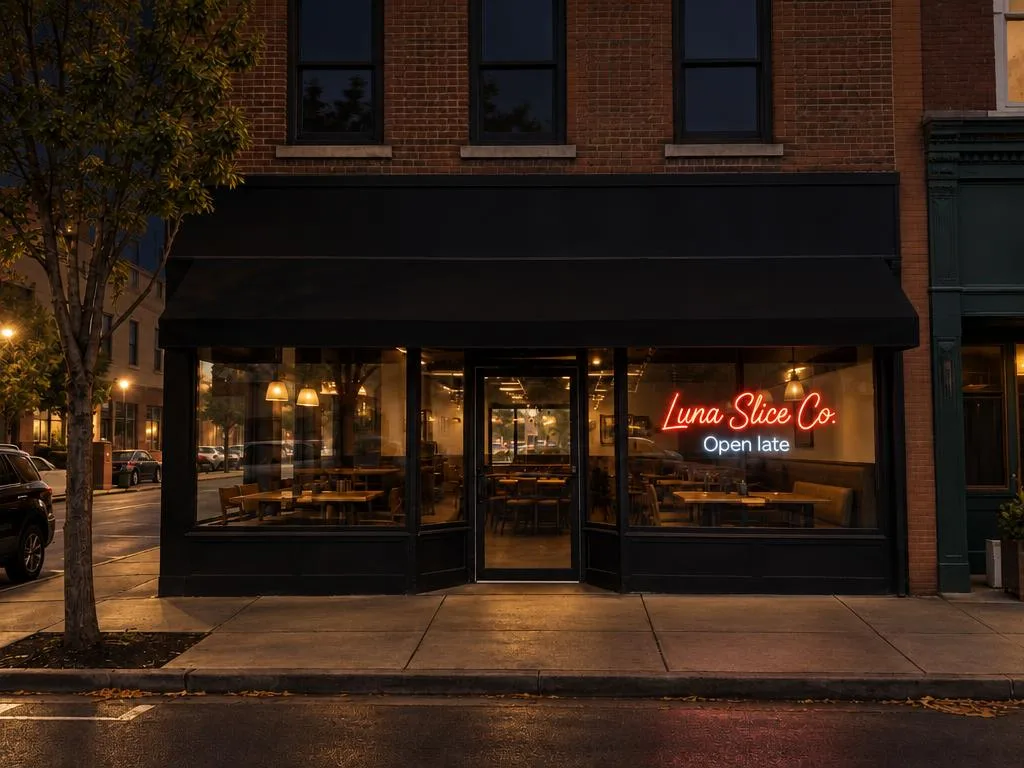
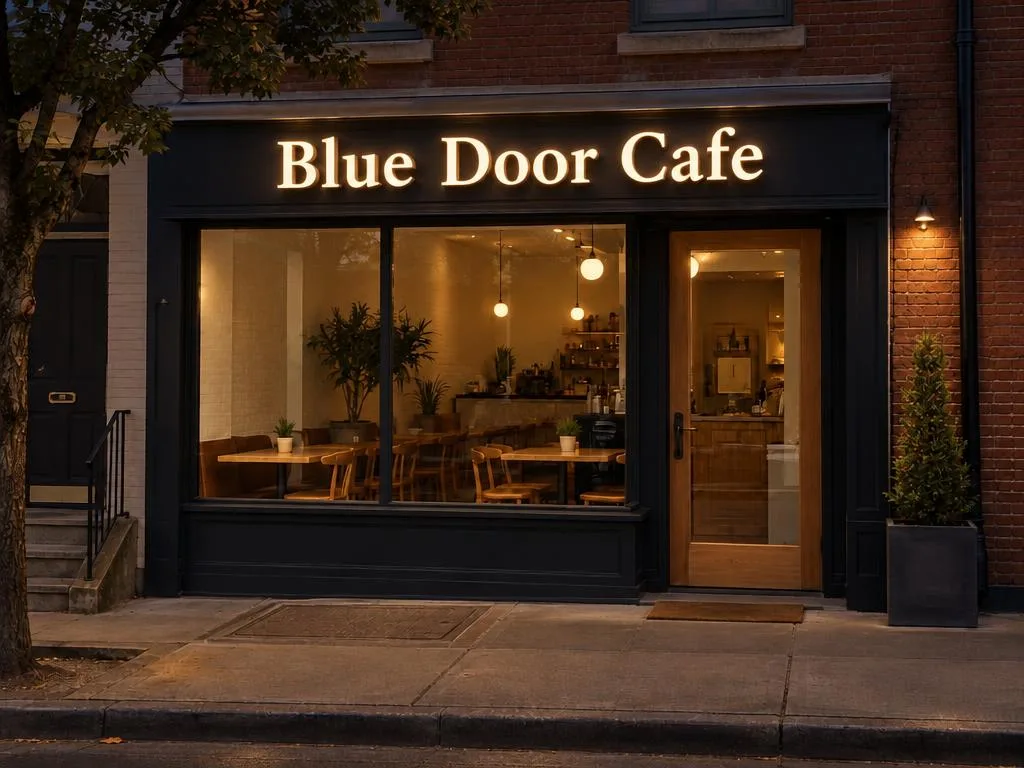
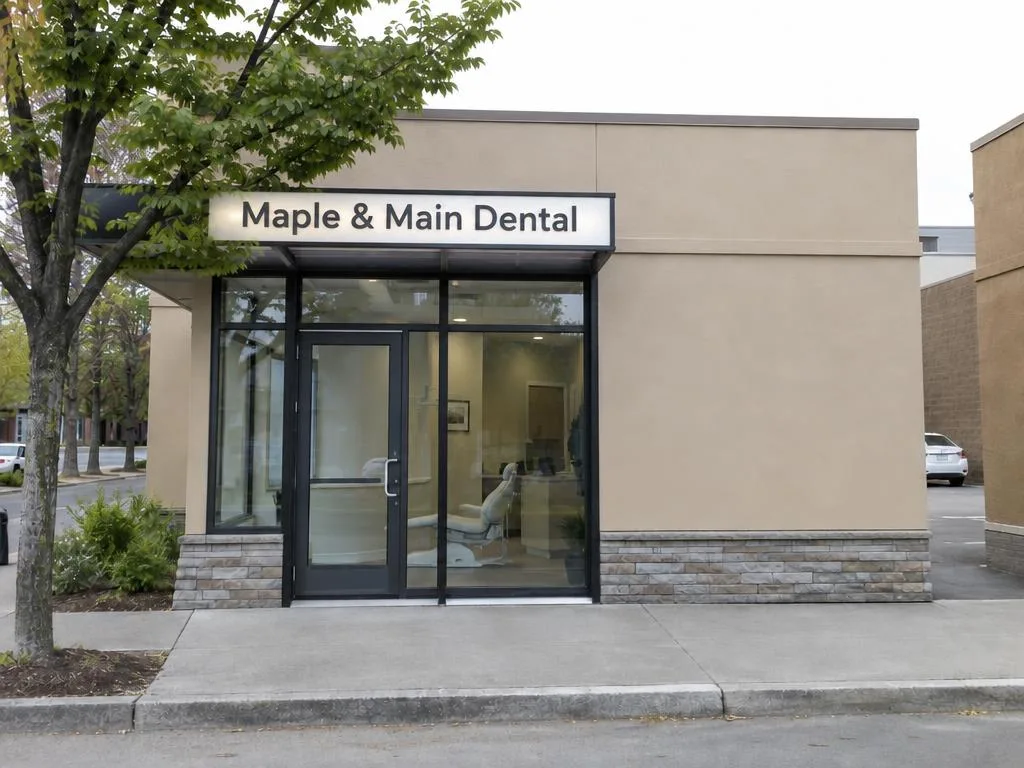
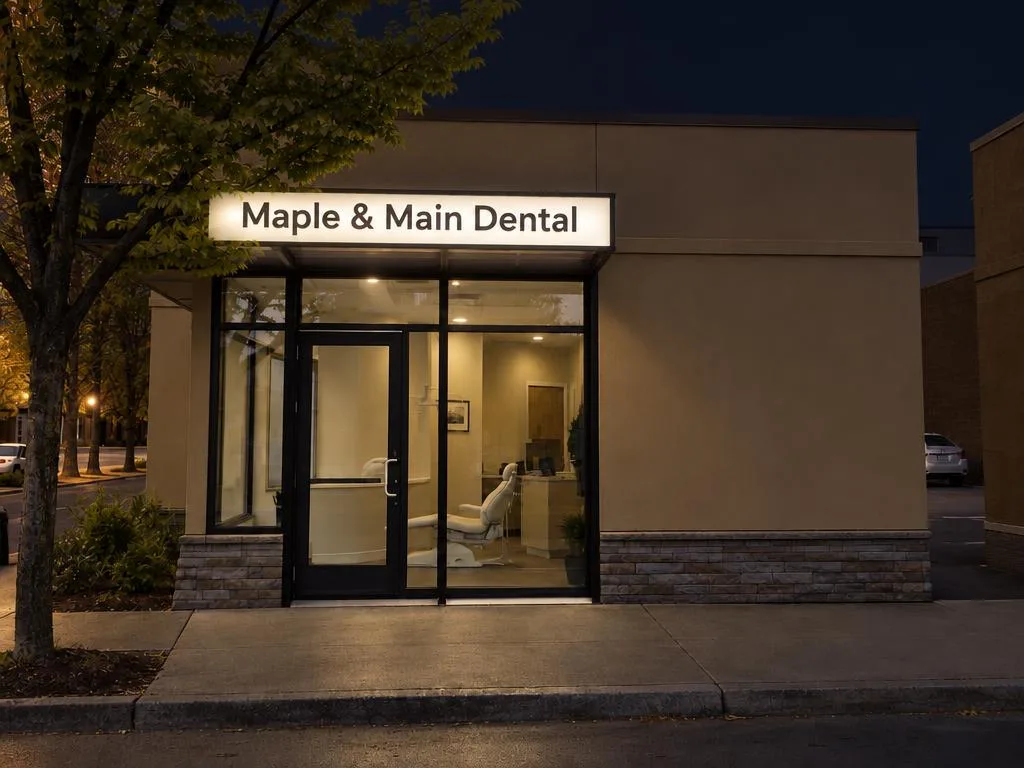
A lit sign is a different sign after dark: channel letters glow, neon carries the whole front, a lightbox becomes a block of light. Night view shows the same sign, lit, on the same photo, from the daylight picture you already made.
Updated
Which styles change the most
- Channel letters: each letter lit from inside, or from behind so the wall glows.
- Neon: glowing tube lettering. By day it is a line drawing; at night it is the sign.
- Acrylic lightbox: one lit cabinet, so its face colour matters even more at night.
Carved wood and window vinyl aren’t lit themselves, so their night view mostly shows the street and your shop’s own light around them.
Before you start
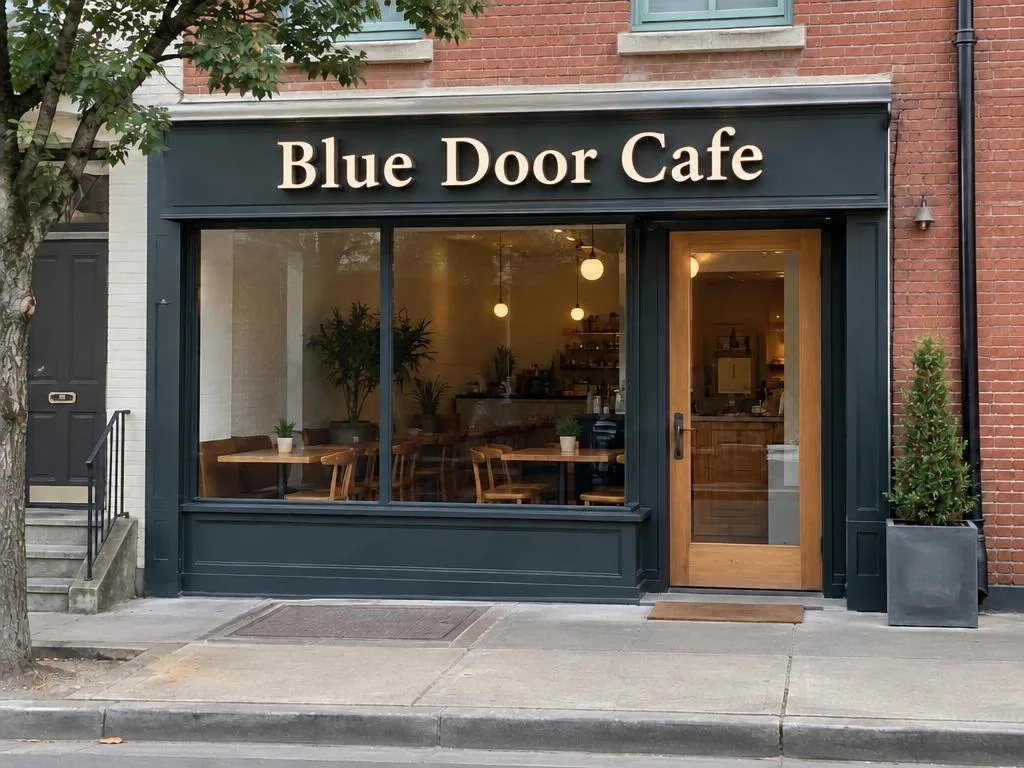
You need a daylight picture first: take the storefront photo in daylight, not at night (how to make one). The night view is made from that picture, with the same words, style and placement.
Night view needs a plan: weekly, monthly or yearly (see pricing). Your free picture is a daylight one.
Step by step
Open the daylight picture
Open it from your library, or right after it is made. Check the daylight version first: the night view keeps its letters and placement.
Tap Night view
Under Download or share, tap Night view. Without a plan, you choose one first, and the night view starts as soon as it is active.
Wait for it
It takes about as long as the daylight picture, up to two minutes. You can leave the page; it lands in your library next to the daylight one.
Compare, then switch back
Drag the line to compare the night view with your photo. See the daylight picture takes you back; from the daylight picture, See the night view opens it again.
Compare lit styles
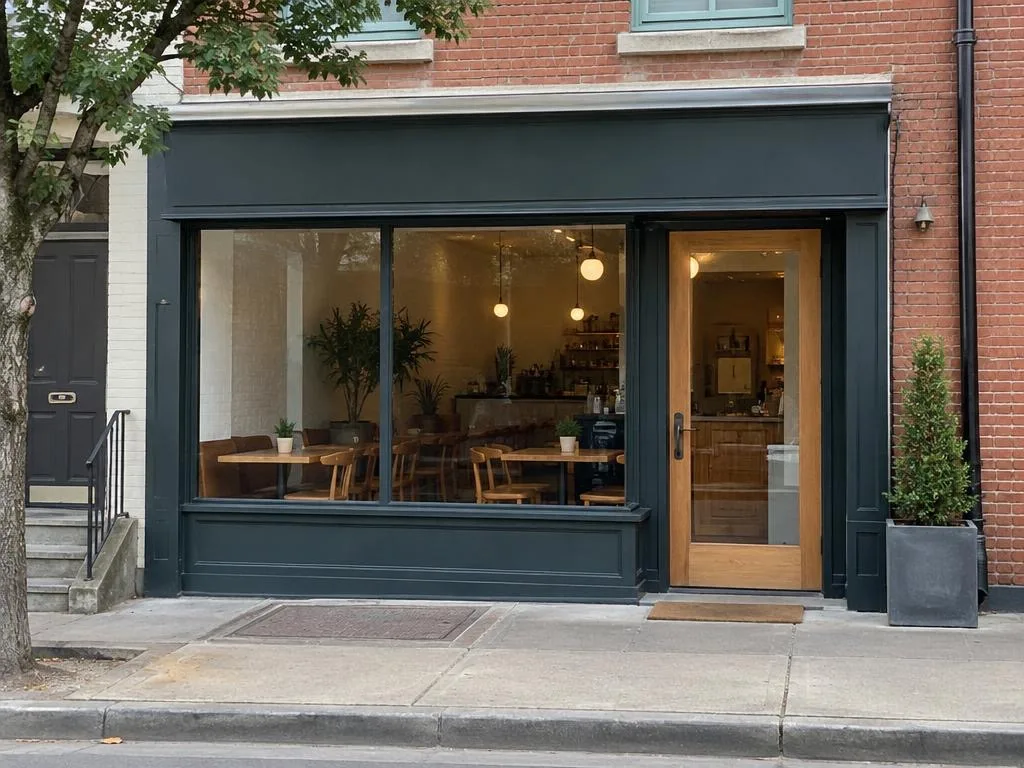
Weighing channel letters against a lightbox? Make a daylight picture of each with Edit the sign, then a night view of each. Look at how much of the front each one lights, and whether the name still reads from across the street.
Tips
- Download both versions and send them together: your sign maker sees the day and the night.
- A night view is a preview of the look, not a lighting plan. Brightness, wiring and permits are your sign maker’s job.
- If the night view changed the building, use Report on it.
Try it on your storefront
Your first daylight picture is free, with no sign-up: one photo, one style.
Start with a photo